Overview
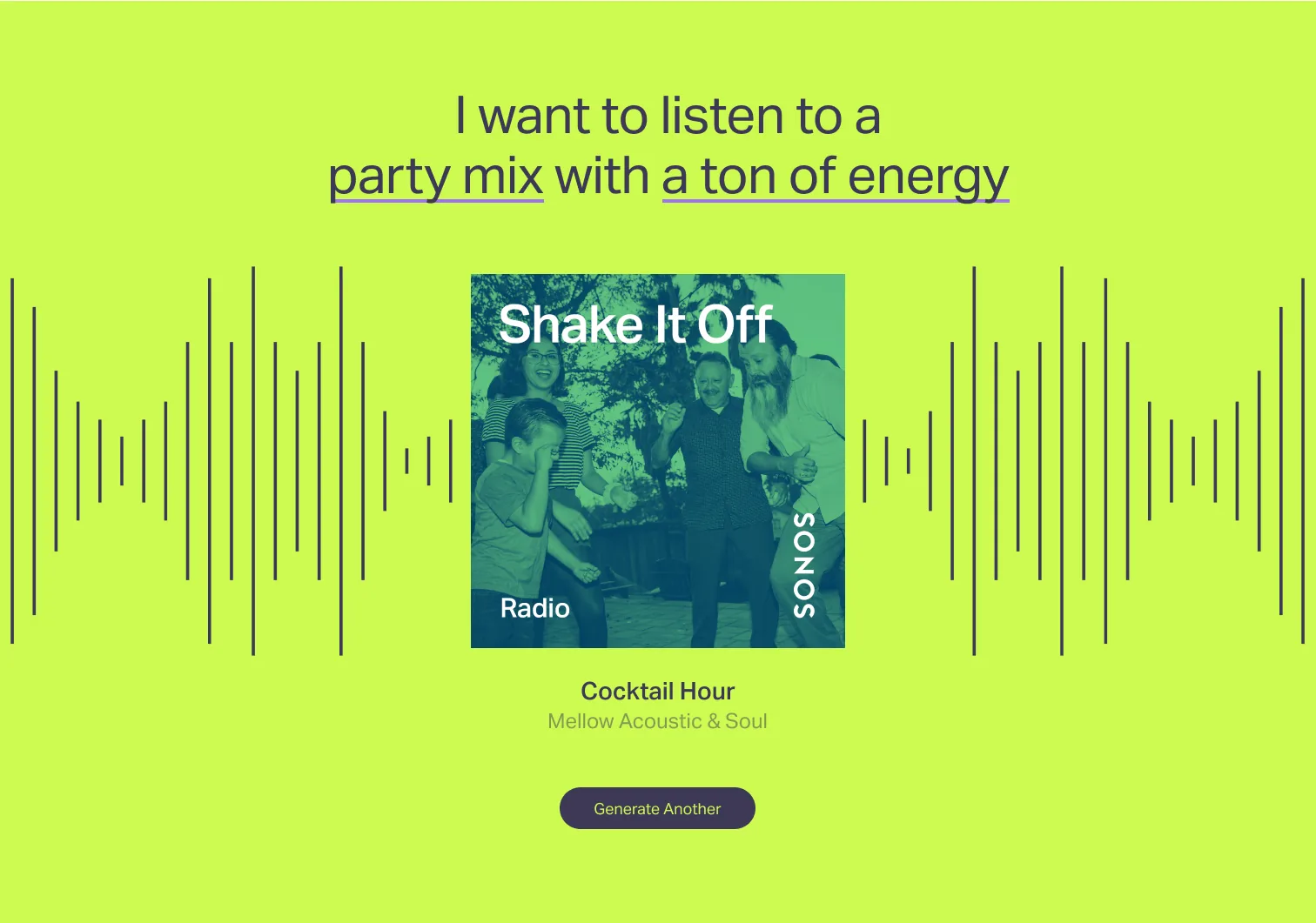
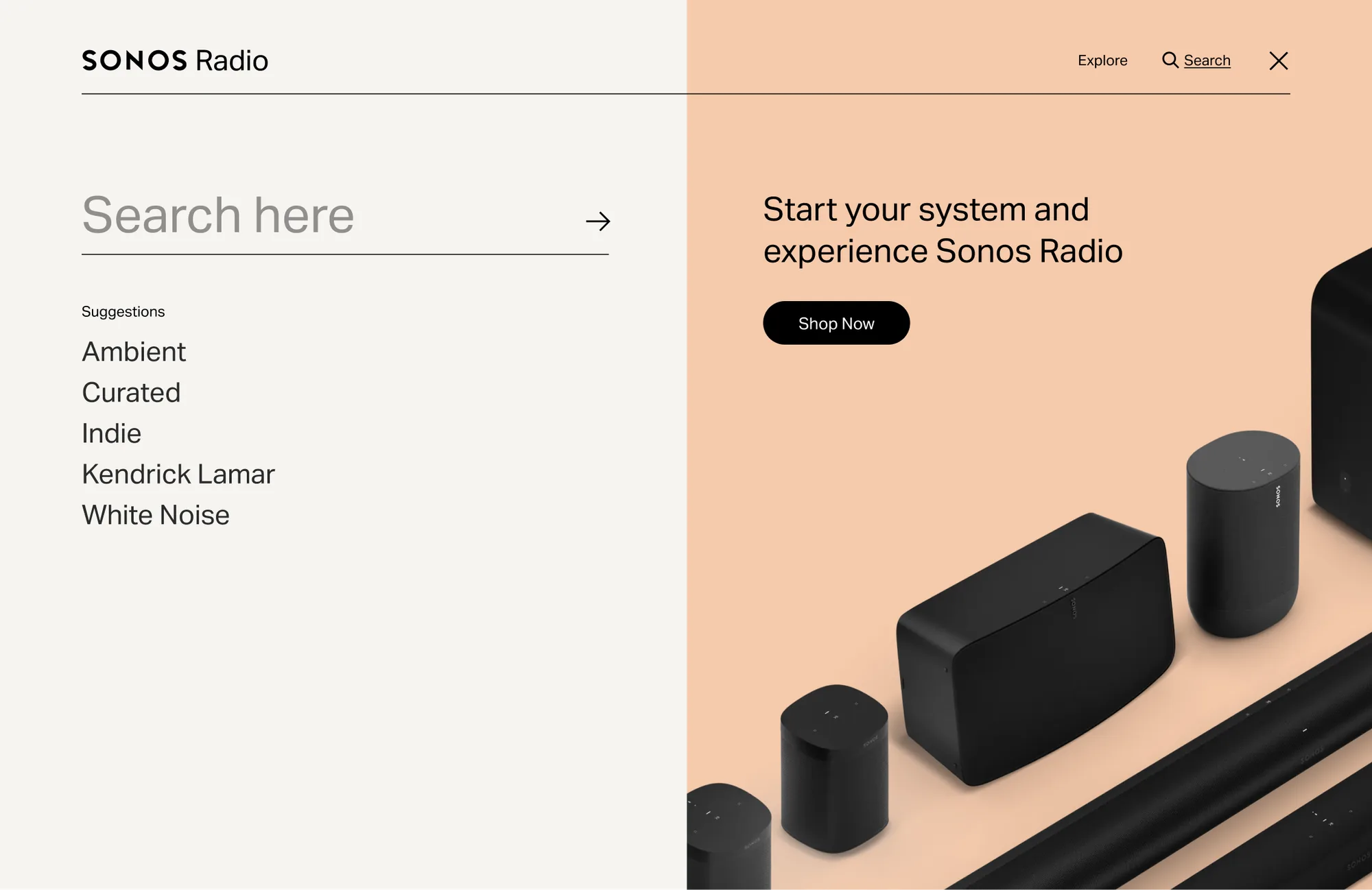
In 2020, Sonos unveiled its own radio offering to the world, and soon needed a website to showcase its diverse, comprehensive catalog so anyone could discover and explore everything it offered.
The goal: build a digital home for the Sonos Radio brand that showcases it as a discovery and listening platform devoted to expanding the experience and importance of music. I led the UX/UI, presented the approach to user flows and wireframes, and assisted with hi-fi design and prototyping.
Initial research
Our work with the Sonos team started with a full project audit of needs and wants, a survey of the current radio ecosystem, and the restrictions on their existing systems. The Sonos Radio app had launched in 2020 with exclusive artist shows, curated stations and over 60,000 global broadcast stations.
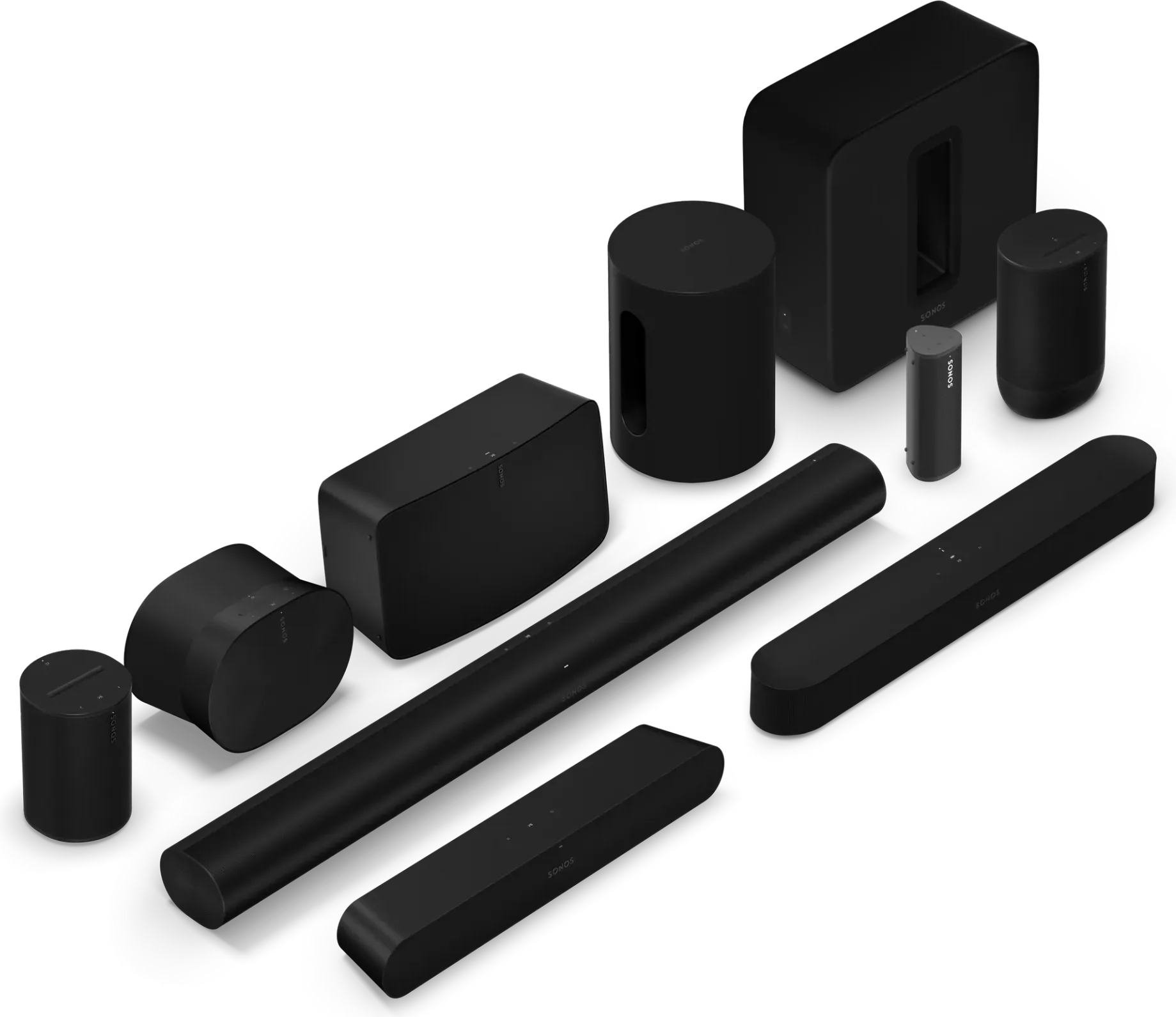
The problem: the app was only available if you owned Sonos hardware, which left it a mystery to most people. The radio guide would be an extension of the app that anyone could reach in a browser, while still standing as its own entity outside the app.
Challenges
1. Parity between apps. The guide was an external experience: we weren't updating the app, we were building a separate web application that still had to feel like the same brand.
2. No existing data. Normally I'd start with a UX audit of the existing app, but Sonos didn't collect analytics or user data. With so much riding on discovery, I turned to personas and A/B testing to steer the user flows.
3. Showcase Sonos Radio HD. The app was free with Sonos speakers, with an HD upgrade for ad-free, lossless listening and exclusive stations. Driving upgrades had to be built into the KPIs and the flows.
Design solutions
The research and UX audit surfaced the needs and wants for each core page. Flip through them:
Home
- Primary avenue for discovery
- Familiar user interface
- Quick access to archive
- Parity between app and the site
Station Detail
- Provide high-level info about the station (description, genre info, curator, featured artists)
- Highlight the benefit of subscribing to HD Radio + CTA for sign up
Collection Detail
- Full list of stations that fall under the collection, including exclusive stations, genres, moods
- Station linking and discovery for quick navigation and keeping engagement
Artist Detail
- Primary purpose of artist pages is to show which stations they're featured in
- Not used to educate users about the artist: all the emphasis on the station and platform
Architecture
With the pages defined, I mapped the site and the questions each flow had to answer:
A. How does a user learn about and listen to new station releases?
B. How does a user search for a station related to their interests — and what if it's app-only, or HD-only?
C. How does a user become a Sonos Radio HD subscriber?
D. How does a user discover something unexpected?
E. Which key functions do we keep from the app?
Wireframes
With the flows done, I drafted wireframes focused on discovery and organic exploration. A first-time visitor can play a station or jump into a collection straight from the homepage. Sonos Radio HD is promoted on the homepage and every detail page, and the footer matches the official Sonos store, so moving between the radio guide and the store never feels like leaving.
Try the wireframes below: browse, search, filter the directory, or play one of the user flows.
SONOS RADIO HD INTRO
Suggested
Showing results for “”
› Explore
ALL SONOS RADIO STATIONS AND SHOWS
STATION DETAIL PAGE TITLE
› › Station Detail
Creating the directory
With more than 60,000 global broadcast stations, we needed a way to archive news, sports and talk visually, while weighing which app features were vital to keep the two in parity. After analyzing all of Sonos' station data, we grouped the directory into categories with a filtered sort and an HD toggle.
Each category's subgenres became our CMS tags, so the catalog could be filtered and extended. Some categories came straight from the app, like Sleep & Environments, a feature Sonos wanted to spotlight, and Terrestrial, with local talk and sports radio.
Setting the mood
We developed two directions: one drew from Sonos' existing branding, punched up with a more immersive experience and vibrant, fun colorways; the other was moodier and prioritized discovery, to capture the appeal of a record store. Both have moments that engage people with playful interaction and styling.
Headline 1
Headline 2
Headline 3
Headline 4
Headline 5
Headline 6
Subheadline Large
Subheadline Medium
Subheadline Small
Paragraph Large
Paragraph Medium
Paragraph Small
Caption (Strong)
Caption (Desktop)
Reflection
This was my first major role on a project at Varyer, and a great introduction to working on high-level timelines with remote teams to deliver a major product, which launched successfully in 2022.
The site was submitted to AIGA's 365: Year in Design and was named a winner.
“The playlist generator is delightful with unexpected results—enjoyed the utility of discovering new music from normal routine listening. The content offerings feel purposeful and curated rather than overwhelming.”
Juror comments via AIGA
- Team
- Mike Renaud, Creative DirectionBecca Christman, DesignCollin Joyce, DesignCamp Quiet, DevelopmentKelly McHugh, ProducerJazz Robinson, Strategy